
The image is quicker. Is the work finished?
OpenAI's Images 2.6 adds editing and export controls. A visual production decision still depends on the asset, its context, and the review needed to use it.

OpenAI introduced Images 2.6 on November 4 with a claim that image generation is faster and a set of new editing controls. The practical question for a team producing visual work is what those controls change after the first image appears. A header still has to say the right thing, keep the right details, and work where it will be displayed.
At a glance
- OpenAI says Images 2.6 is available in ChatGPT, Codex, and its API. The API offers Flare and Sunburst, with different quality and speed aims.
- Markup-guided editing, a complexity setting, and SVG export give teams more ways to revise and carry an image into production.
- Those controls are reasons to test a workflow. They are not evidence that any particular asset is accurate, on brand, readable, or cheaper to finish.
The edit matters more than the first result
Imagine making an article header for a visual system with a recognizable subject and a small number of exact details. The first generated image may have the right mood and the wrong relationship between its parts. A later edit might fix the focal object while shifting the composition enough to break the card crop.
OpenAI says Images 2.6 improves consistency across edits and brings image markup to the API, so a developer can point to the area that needs a change. It also adds a complexity control for how much planning goes into a request. These are useful controls to examine because a production image is usually a sequence of decisions, not a single prompt. The source describes product capabilities; the header example here is a proposed evaluation, not a test we have run with this model.
The two API models suggest a different choice at each stage. OpenAI positions Flare for speed and Sunburst for greater detail and consistency at medium or high quality. Its reported speed gains are vendor measurements under its own conditions. A team should compare the actual versions it would use, with the same brief and review criteria, before treating speed as time saved.
Carry the asset into its real setting
SVG export may help a design move into a website, app, or print workflow. It does not settle whether the result has sound structure, appropriate detail, or clean rendering at the intended size. GIF creation adds another output form, but motion brings its own review: what the loop communicates, whether it distracts, and what a reduced-motion presentation needs.
For a branded article header, I would inspect at least three states: the full image, its card crop, and the image alongside the headline on a phone. I would check whether the defining subject survives each size, whether exact words or marks remain accurate, and whether a subsequent edit has changed a detail that had already passed review. That is a proposed review method, not a claim that we have measured Images 2.6 against it.
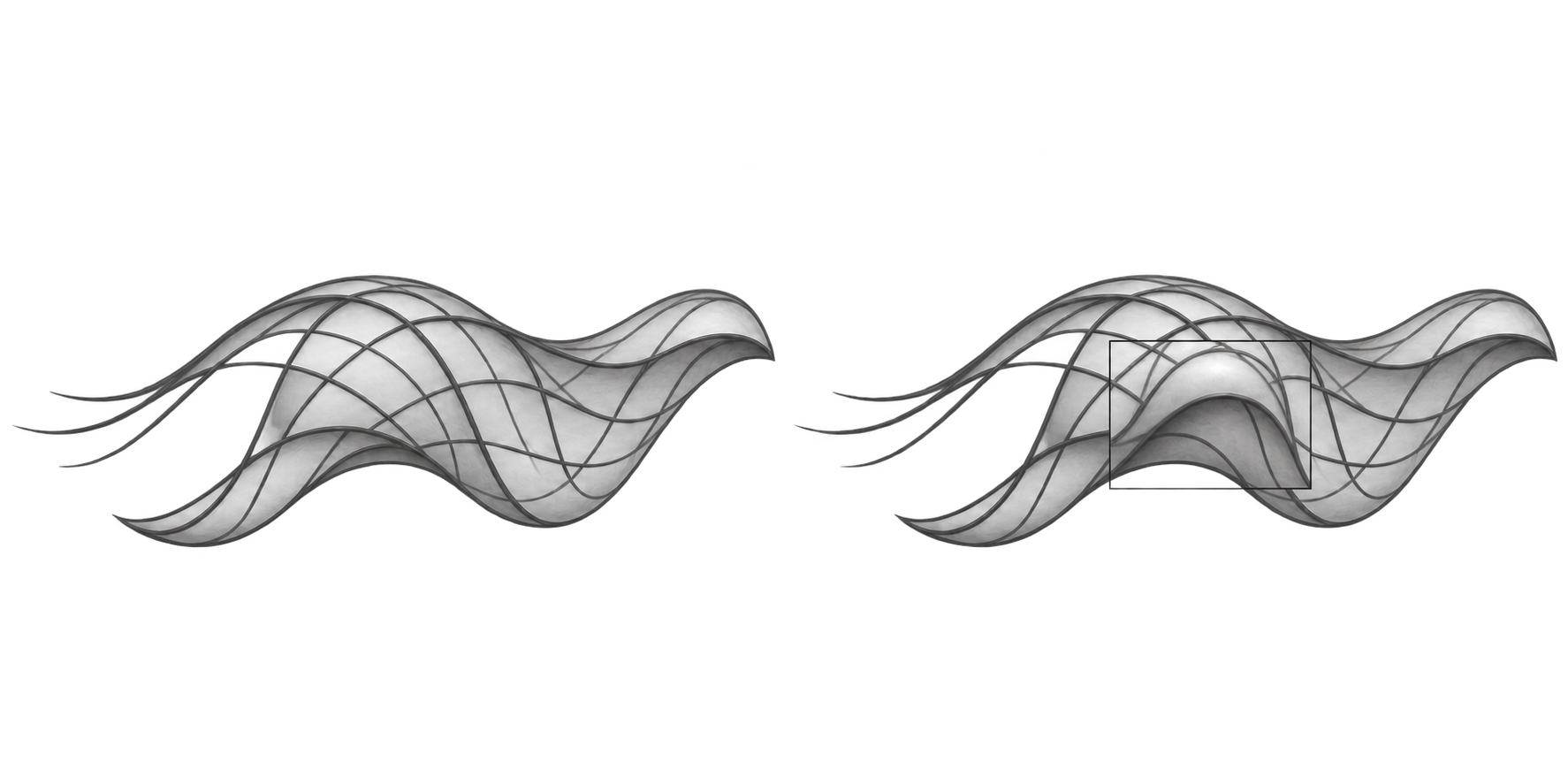
An interior illustration has another job. It should clarify a specific passage, rather than repeat the header in a lighter color. A useful figure here could show one marked area changing while the rest of an asset remains stable. A second, if the final article warrants it, could show the same image at full size and in its narrow card crop. The comparison should be understandable in the accompanying text, with legible labels and an accessible description.
What to decide before adopting it
The announcement creates a good reason to revisit the visual workflow, particularly the handoff between initial generation, targeted edit, and final asset. It does not answer which model, quality setting, or output format is best for a particular team. That decision needs a real brief, repeatable examples, review time, and an honest accounting of revisions that failed as well as those that worked.
If the tool makes the first draft quicker, the next question is where the saved time goes. It may reduce production effort. It may also allow more alternatives to reach the same review gate. The work is finished when the selected image communicates the right thing in its actual setting, with the details someone is responsible for checking.
Sources
- OpenAI, “Introducing Images 2.6,” November 4, 2026 (opens in a new tab). Product availability, model positioning, markup, complexity, SVG and GIF claims.
- OpenAI API changelog, November 4, 2026 (opens in a new tab). API model and feature announcement.
- ChatGPT release notes, November 4, 2026 (opens in a new tab). Rollout details for GIF and reference-image features.
